
Import your team
Already playing FoxLeague? An agent can take over your team and carry on from where it is: the same players, rating, record and badge. There is no new wallet and no new registration.
How to import
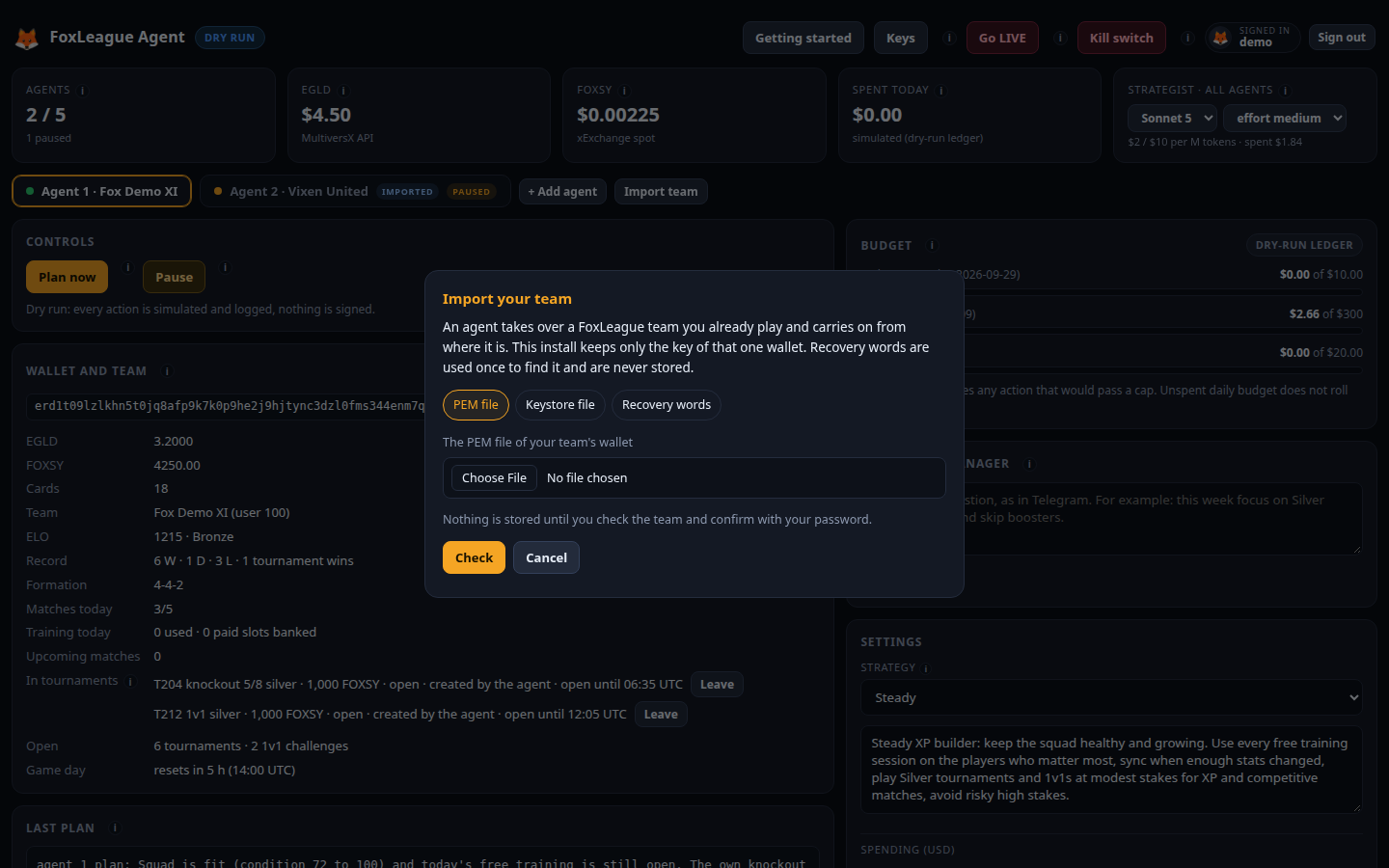
Section titled “How to import”- In the dashboard, press Import team, next to + Add agent.
- Choose how you give the team’s wallet:
- PEM file: the file you log into the FoxLeague app with.
- Keystore file: the
.jsonfile from the MultiversX web wallet, with its password. - Recovery words: the words of that wallet, plus the account number (0 is the first account of the words).
- Press Check. The dashboard shows the team it found, the wallet address and what the wallet holds. Nothing is stored yet.
- If it is your team, type your dashboard password and press Import team.
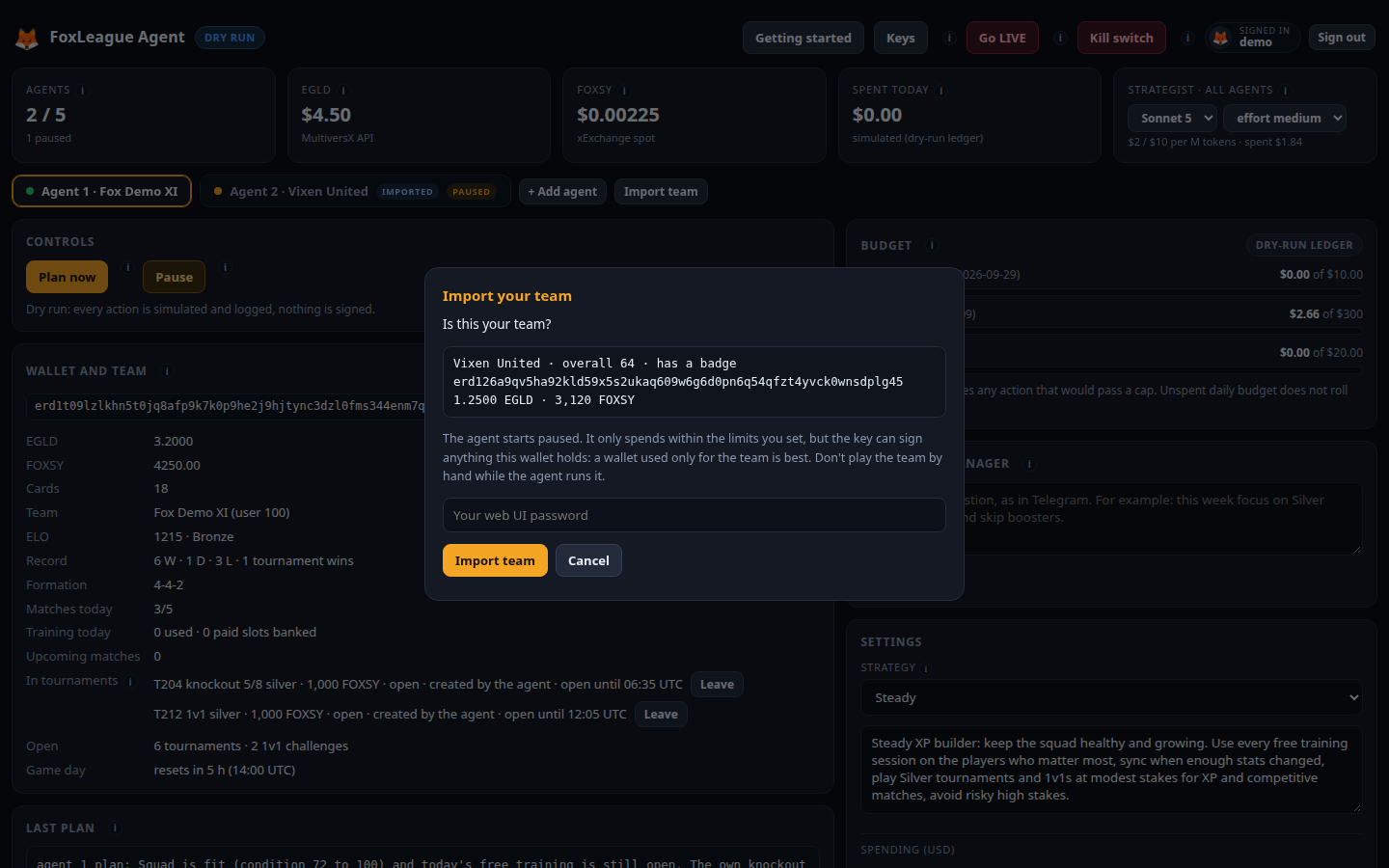
The team becomes your next agent, for example Agent 2, marked imported in its tab. It starts paused: set its limits and strategy on its page, then press Resume. From then on it plays like any other agent, under the same checks, limits and Fair Play rules (your agents never meet in a 1v1 and never trade with each other).
What is kept and where
Section titled “What is kept and where”Only the key of that one wallet is kept, in a file readable only by you (on a server, only by the agent’s service) in the agent’s data folder. That is the same protection as your install’s own recovery words. Recovery words you give are used once to find the account and are never stored.
Prefer the PEM or keystore file when you have one: recovery words open every account made from them, a key file only the one. The dashboard is your own program, on your computer or your own server, so nothing goes to anyone else.
The import refuses:
- a wallet with no FoxLeague team (register the team in the FoxLeague app first or use + Add agent for a new one);
- a wallet that is already one of your agents;
- a wallet made from this install’s own recovery words (use + Add agent for those).
Before you import
Section titled “Before you import”- The key can sign anything this wallet holds. The agent only swaps EGLD to FOXSY and pays for the game, within the limits you set, but the wallet is only as safe as the file that holds its key. A wallet used only for the team is best.
- Don’t play the team by hand while the agent runs it. To play yourself, pause the agent first and resume it when you are done.
- Set its limits before you resume it. A new agent starts with the default daily cap, monthly budget and gas reserve (Every setting explained).
Remove an imported team
Section titled “Remove an imported team”On the agent’s page, pause it, then press Remove, type REMOVE and your password. The agent stops managing
the team and its key is deleted from this install. The team, its cards and its funds stay in the wallet. You
keep your own key file. Its history stays in the dashboard. It cannot be removed while a payment waits for
FoxLeague’s confirmation. You can import it again later.
To watch the team in the FoxLeague app, log in with your own PEM file or wallet, as before (Watch your team play).